Why Every Linux Server Needs Monitoring
Imagine your website is running perfectly.
Customers are visiting your site, orders are coming in, and everything seems to be working without any issues.
So, do you really need to monitor your Linux server? The answer is yes.
Many server problems start silently in the background. By the time users notice something is wrong, the issue has often been growing for hours—or even days.
Monitoring helps you discover these problems early, giving you time to fix them before they affect your website or business.
What Is Linux Server Monitoring?
Think of your Linux server like a car.
Even if it runs perfectly today, you still check the fuel level, engine temperature, and warning lights.
Your server works the same way.
Linux server monitoring continuously checks your server's health, including CPU usage, memory, disk space, running services, and other important resources.
Instead of manually logging into your server several times a day, monitoring software keeps watch for you and alerts you when something unusual happens.
"The best time to fix a server problem is before your users ever notice it."
Common Problems That Monitoring Can Detect
Most server issues don't happen instantly. They usually begin with small warning signs that are easy to miss without continuous monitoring.
- CPU usage stays unusually high.
- Memory (RAM) is almost full.
- Disk storage is running out.
- Important services stop running.
- SSL certificates are close to expiring.
- Scheduled Cron Jobs fail.
- Network traffic suddenly spikes.
These issues may not immediately bring your website offline, but if left unnoticed, they can eventually cause slow performance, failed applications, or unexpected downtime.
Why Manual Server Checks Aren't Enough
Some people log into their server once or twice a day to make sure everything looks fine. While this might work for a single personal project, it becomes difficult as your applications grow.
Imagine checking your server every hour for:
- CPU usage
- RAM usage
- Disk space
- Running services
- SSL certificates
- Backup jobs
Doing this manually isn't practical.
Monitoring software performs these checks automatically, every minute, so you don't have to.
What Should You Monitor on a Linux Server?
A healthy Linux server depends on several important components working together. Monitoring these components helps you identify problems before they impact your users.
List
How Monitoring Helps Your Business
Good monitoring isn't just about collecting numbers. It helps you:
- Detect issues early.
- Reduce unexpected downtime.
- Improve website performance.
- Receive alerts before users complain.
- Keep your applications available.
- Understand long-term server health.
- Make better infrastructure decisions.
Getting Started Is Easier Than You Think
Many people assume server monitoring takes hours to configure. Modern monitoring tools have made the process much simpler.
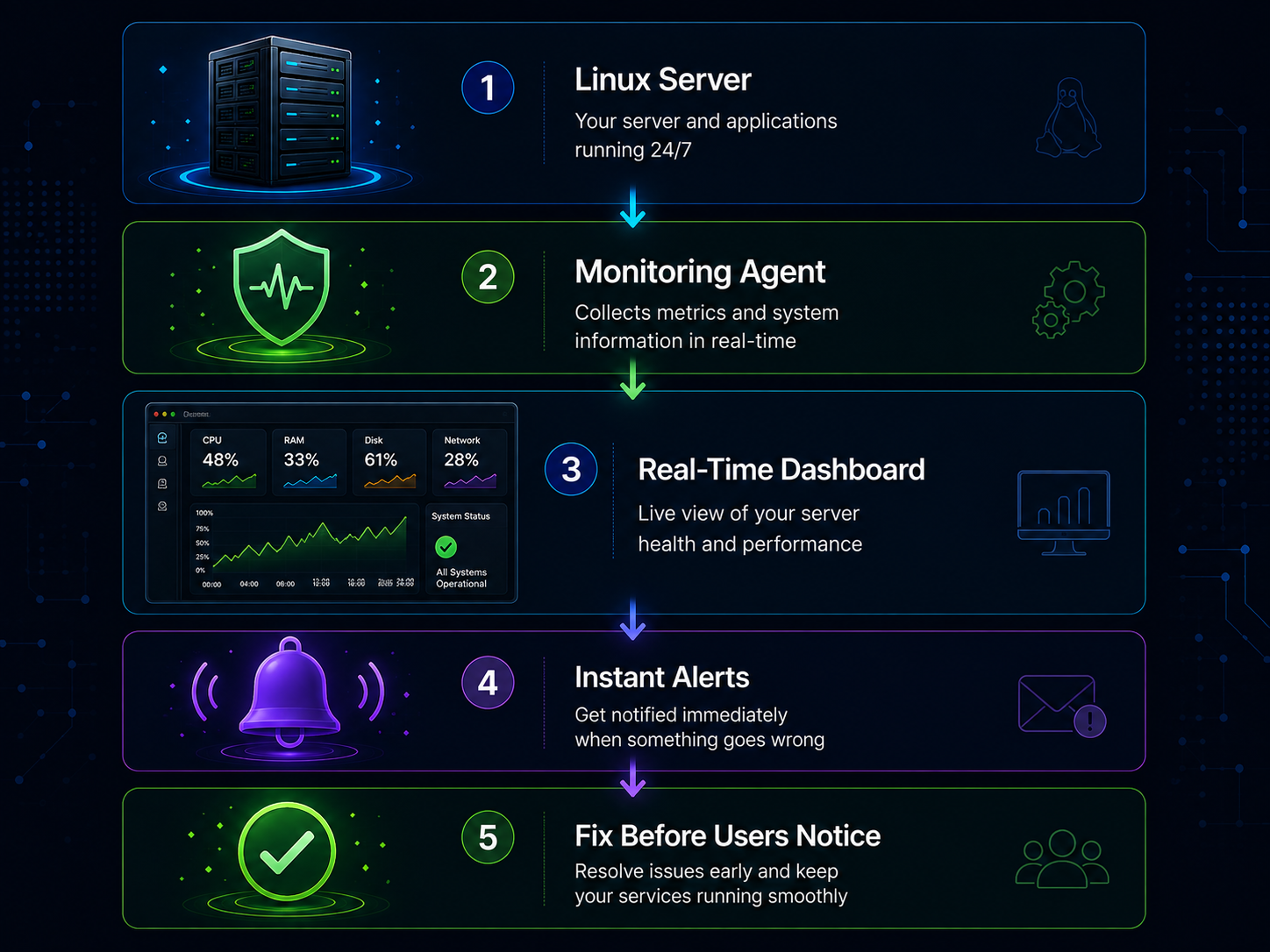
With InfraCaptain, you can connect your Linux server in just a few minutes and start viewing real-time information about CPU usage, memory, disk space, running services, SSL certificates, and more—all from a single dashboard. There's no complicated setup, making it easy to start monitoring even if you're new to server management.
Conclusion
Your Linux server is one of the most valuable parts of your business. It powers your website, applications, APIs, and services that customers rely on every day.
Instead of waiting for something to break, monitor your server continuously so you can detect problems early and respond before they become costly outages. Because the best server problems are the ones your users never experience.
Need Help with Your Infrastructure?
Get expert assistance with monitoring, DevOps, and infrastructure management.
Contact Us