Security & Trust
InfraCaptain is designed with security at its core. Your infrastructure data is monitored safely and transparently.
Security at a Glance
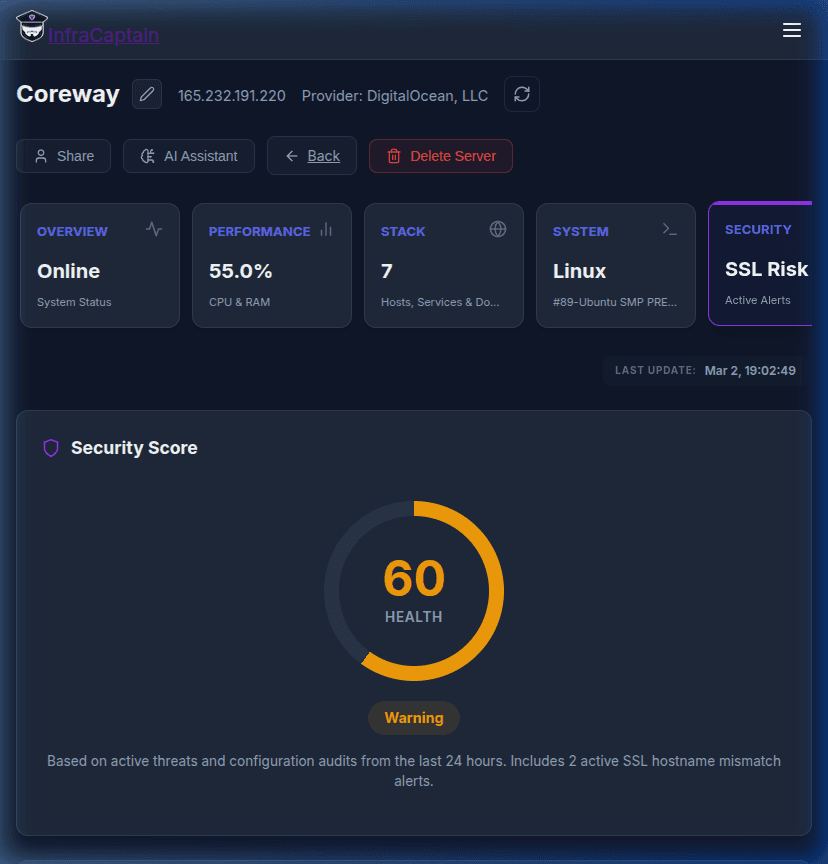
InfraCaptain provides a real-time security health score and monitors for common configuration risks, SSL mismatches, and unauthorized access attempts.
What We Do NOT Access
InfraCaptain focuses only on infrastructure signals. Your sensitive data stays private.
Database Contents
We never request database credentials or access your database contents, queries, or schemas.
Cloud Provider Keys
We don't need or store your AWS, GCP, Azure, or other cloud provider access keys.
File Contents
The agent doesn't read file contents or access your application data or storage.
Storage Access
We never access S3 buckets, object storage, or other data storage services.
What We Do Collect
Only infrastructure signals necessary for monitoring
Security Features
Easy to Uninstall
You maintain complete control. The agent can be uninstalled at any time with a single command, and all monitoring will stop immediately.
Questions About Security?
We're happy to discuss our security practices in detail.
Contact us at security@infracaptain.com